
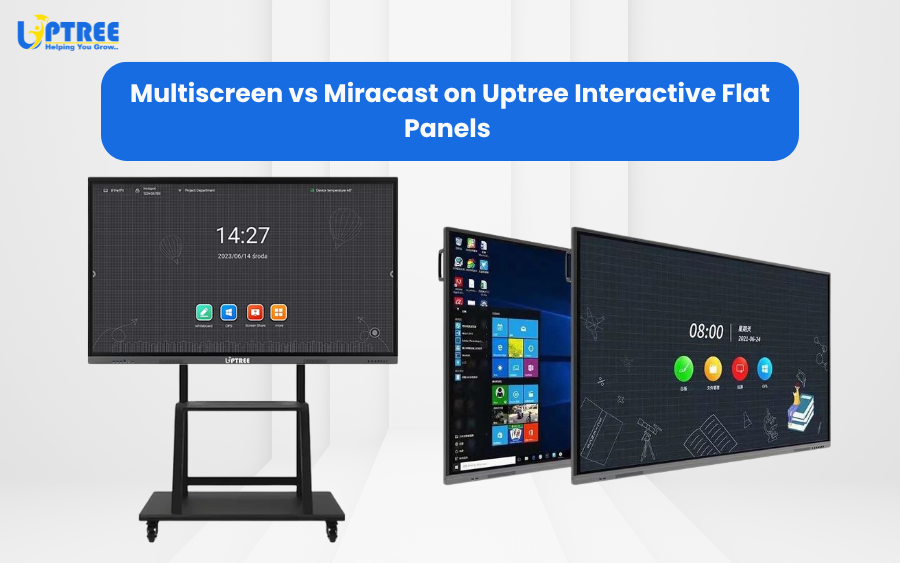
In today’s smart classrooms and collaborative workspaces, screen sharing is a key feature. Uptree Interactive Flat Panels (IFPs) offer two powerful wireless display options — Multiscreen and Miracast — each designed to enhance teaching, presentations, and collaboration.
Miracast Functionality
Miracast allows you to mirror your device’s screen directly onto the Uptree Interactive Flat Panel without cables or an internet connection. Everything on your device — including slides, videos, images, and apps — is displayed exactly as it appears on your screen.
Key Points:
- Connect a single device at a time.
- Works via Wi-Fi Direct, so no internet is required.
- Ideal for quick, plug-and-play presentations.
- Shows your device screen in real time for lessons or meetings.
Multiscreen Functionality
Multiscreen allows multiple devices to connect and share content simultaneously on the same Uptree panel. Up to four devices can display their screens side by side, enabling collaborative learning and interactive discussions.
Key Points:
- Connect several devices at once.
- Split-screen view allows simultaneous display of multiple screens.
- Compatible with Android, Windows, macOS, and iOS devices.
- Perfect for classrooms, group projects, and team meetings.
Choosing the Right Functionality
On Uptree Interactive Flat Panels, both Miracast and Multiscreen are built to make your workflow seamless. Use Miracast for instant, single-device mirroring, and Multiscreen for collaborative sessions with multiple participants.
Uptree IFPs are designed to enhance engagement, collaboration, and interactivity, making them ideal for classrooms, boardrooms, and creative workspaces.
To learn more about how Uptree can upgrade your meeting spaces, visit www.uptree.in