
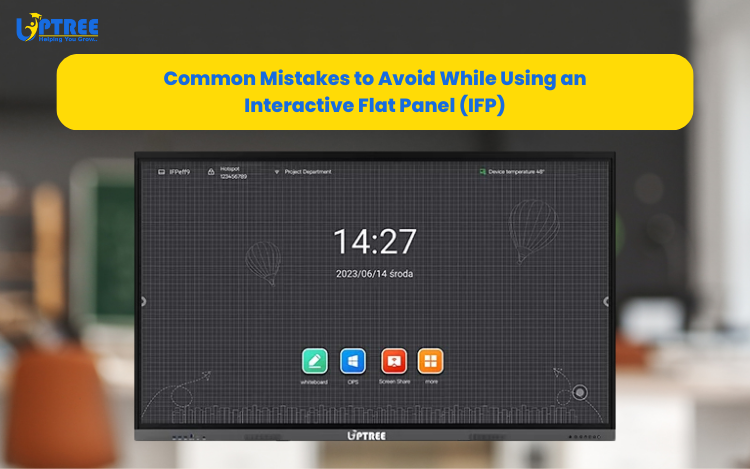
Uptree Interactive Flat Panels (IFPs) have become essential tools in classrooms, offices, and training centers. With their ability to combine touchscreen functionality, wireless connectivity, and multimedia integration, they transform ordinary presentations into powerful, engaging experiences.
But like any technology, the benefits of Uptree IFP can only be maximized if it’s used correctly. Many users unknowingly make mistakes that reduce efficiency, shorten the device’s lifespan, or hinder productivity. To help you get the most out of your investment, here are some common mistakes to avoid while using Uptree IFP.
1. Treating the Uptree IFP Like a Traditional Whiteboard
It might feel natural to grab a regular marker when you see a large display surface, but using markers or sharp objects can permanently damage the touchscreen.
Tip: Always use the digital pen or your fingers designed for the panel.
2. Ignoring Calibration & Software Updates
Over time, touch responsiveness may become slightly off, or features may not run smoothly if software isn’t updated. Many users skip routine calibration and updates.
Tip: Regularly calibrate your IFP and install firmware/software updates to ensure accuracy and security.
3. Poor Placement of the IFP
Placing Uptree IFP in a room with direct sunlight, high humidity, or glare can cause visibility issues and reduce screen life. Incorrect height also makes it uncomfortable for users.
Tip: Position the IFP in a well-lit but glare-free space and mount it at an ergonomic height for all users.
4. Overlooking Connectivity Options
Some teams still rely only on HDMI or USB cables, missing out on wireless casting, screen mirroring, and built-in apps that can boost collaboration.
Tip: Explore all available connectivity features — Wi-Fi, Bluetooth, and casting apps — to make meetings and classes smoother.
5. Not Training Users Properly
Many organizations install IFPs but fail to train staff or teachers on how to use them effectively. As a result, they only use basic features, wasting the device’s true potential.
Tip: Arrange hands-on training sessions or workshops so users can maximize tools like annotation, recording, split-screen, and video conferencing.
6. Using the Wrong Accessories
Using non-compatible OPS systems, cheap trolleys, or weak wall mounts can lead to poor performance, instability, and even safety risks.
Tip: Always use recommended accessories (OPS, trolley stands, or sliding boards) provided by trusted manufacturers like Uptree.
7. Neglecting Regular Maintenance
Dust accumulation, fingerprint smudges, or ignoring minor issues like lagging touch response can shorten the IFP’s lifespan.
Tip: Clean your Uptree IFP regularly with a microfiber cloth, avoid harsh chemicals, and get periodic technical check-ups.
8. Treating It as Just a Display
Some organizations use IFPs only to project slides or videos, ignoring interactive tools that encourage engagement.
Tip: Leverage interactive features — annotate on live screens, record sessions, run collaborative apps, and use whiteboarding tools.
Uptree Interactive Flat Panel is a powerful tool that can redefine collaboration, learning, and presentations. By avoiding these common mistakes, you’ll ensure your IFP stays efficient, durable, and truly impactful.
With proper use, an IFP isn’t just a display — it’s a gateway to smarter communication in classrooms and boardrooms alike.
Let’s help you choose the perfect model for your meeting room setup.
Visit us at: www.uptree.in for more information.
Explore the Uptree Interactive Flat Panel: https://www.uptree.in/interactive-flat-panel