
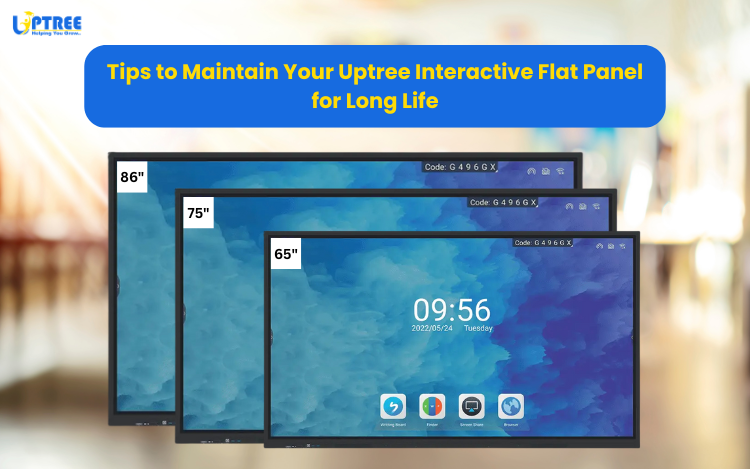
An Interactive Flat Panel (IFP) is more than just a display screen – it’s a valuable investment that enhances teaching, training, and collaboration. To get the best performance and ensure long life from yourUptree Interactive Flat Panel, proper care and maintenance are essential.
In this blog, we’ll share some practical tips to help you maintain your panel so it stays as good as new for years.
1. Regular Cleaning with Care
Dust, fingerprints, and smudges can affect the clarity of the screen.
- Use a microfiber cloth or soft screen-cleaning wipes.
- Avoid using paper towels, rough cloth, or strong chemicals, as they may scratch the screen.
- If necessary, slightly dampen the cloth with distilled water or a screen-cleaning solution.
Tip: Always power off the panel before cleaning.
2. Protect from Power Surges
Power fluctuations can damage internal components.
- Use a high-quality stabilizer or UPS to safeguard your IFP.
- Ensure proper grounding of the power source.
Tip: Unplug the panel during long power outages or electrical storms.
3. Keep the Panel Well-Ventilated
Overheating reduces the lifespan of electronic devices.
- Place the IFP in a location with proper airflow.
- Avoid blocking ventilation slots on the back and sides.
Tip: Never cover the panel with cloth or place it too close to walls.
4. Handle the Touchscreen Gently
The multi-touch screen is one of the most sensitive parts of the panel.
- Use only your finger or a compatible stylus.
- Do not use sharp objects or apply excessive pressure.
Tip: Train students and users on safe handling.
5. Update Software Regularly
Uptree IFPs come with built-in apps and features that improve with updates.
- Keep the system software and apps up to date.
- Install security patches and firmware updates provided by Uptree.
Tip: Regular updates ensure smooth performance and better security.
6. Clean the Ports and Connections
Dust and dirt in HDMI, USB, or LAN ports can cause connection issues.
- Use a soft brush or air blower to clean ports gently.
- Avoid using sharp objects that can damage the connectors.
Tip: Keep unused ports covered when possible.
7. Avoid Static Images for Long Hours
Continuous display of the same image may cause screen retention.
- Use screensavers or switch off the panel when not in use.
- Rotate content regularly during long presentations.
Tip: Enable “auto power off” to save energy and protect the screen.
8. Schedule Professional Maintenance
While basic cleaning can be done regularly, professional servicing ensures the panel’s overall health.
- Get the IFP checked annually by Uptree’s service team.
- They can detect and fix minor issues before they turn into major problems.
Tip: Always rely on authorized technicians for repairs.
With the right care, your Uptree Interactive Flat Panel can deliver years of smooth performance for classrooms, offices, and training spaces. Simple habits like regular cleaning, proper ventilation, and timely updates can make a huge difference.
By following these tips, you’ll not only extend the lifespan of your IFP but also ensure that it continues to provide crystal-clear visuals, seamless touch response, and a premium teaching/meeting experience.
To learn more about how Uptree can upgrade your meeting spaces, visit www.uptree.in